
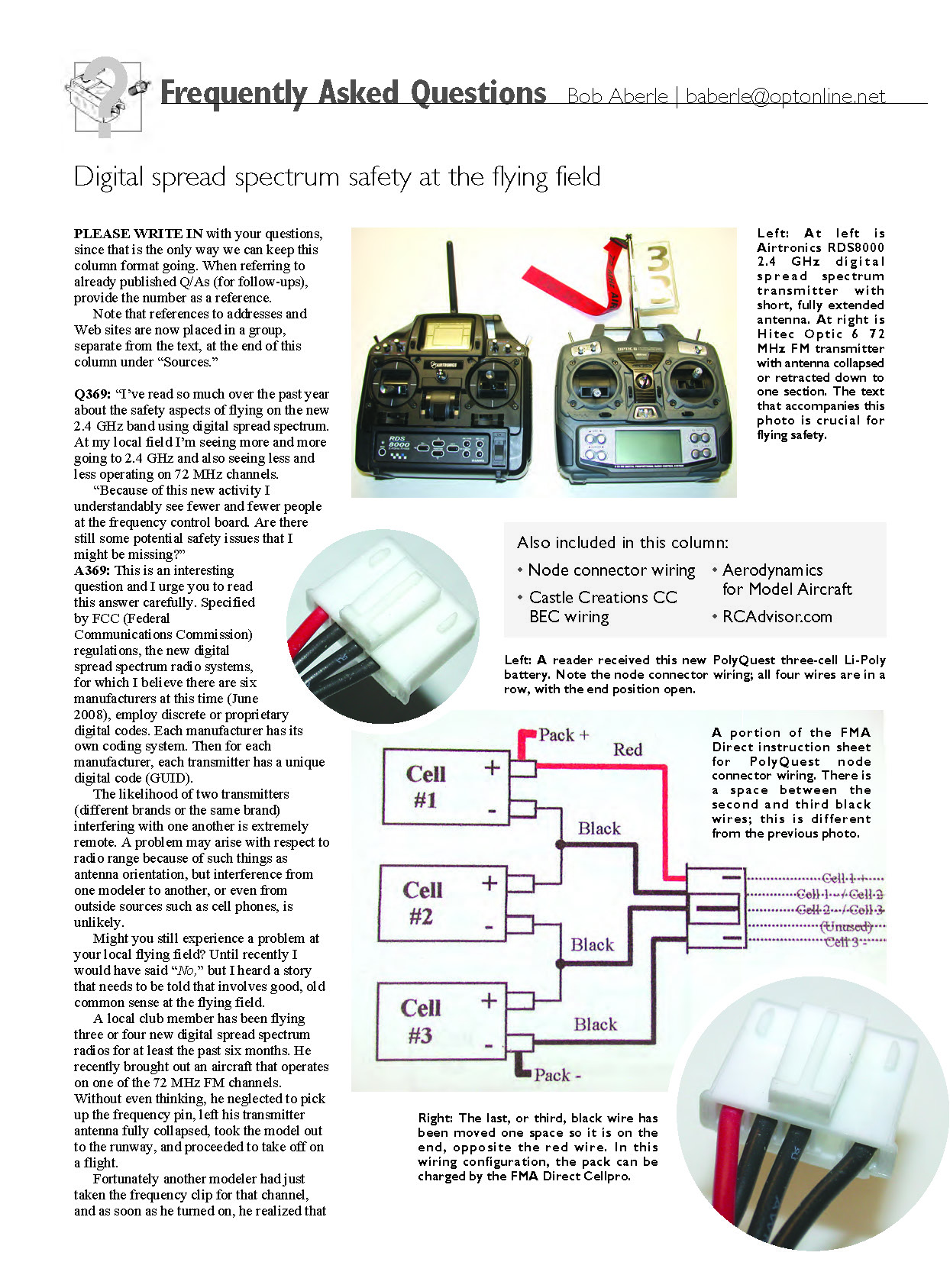

Frequently Asked Questions
Bob Aberle
Digital spread spectrum safety at the flying field
PLEASE WRITE IN with your questions, since that is the only way we can keep this column format going. When referring to already published Q/As (for follow-ups), provide the number as a reference.
Note that references to addresses and Web sites are now placed in a group, separate from the text, at the end of this column under "Sources."
Q369: "I've read so much over the past year about the safety aspects of flying on the new 2.4 GHz band using digital spread spectrum. At my local field I'm seeing more and more going to 2.4 GHz and also seeing less and less operating on 72 MHz channels.
"Because of this new activity I understandably see fewer and fewer people at the frequency control board. Are there still some potential safety issues that I might be missing?"
A369: This is an interesting question and I urge you to read this answer carefully. Specified by FCC (Federal Communications Commission) regulations, the new digital spread spectrum radio systems, for which I believe there are six manufacturers at this time (June 2008), employ discrete or proprietary digital codes. Each manufacturer has its own coding system. Then for each manufacturer, each transmitter has a unique digital code (GUID).
The likelihood of two transmitters (different brands or the same brand) interfering with one another is extremely remote. A problem may arise with respect to radio range because of such things as antenna orientation, but interference from one modeler to another, or even from outside sources such as cell phones, is unlikely.
Might you still experience a problem at your local flying field? Until recently I would have said "No," but I heard a story that needs to be told that involves good, old common sense at the flying field.
A local club member has been flying three or four new digital spread spectrum radios for at least the past six months. He recently brought out an aircraft that operates on one of the 72 MHz FM channels. Without even thinking, he neglected to pick up the frequency pin, left his transmitter antenna fully collapsed, took the model out to the runway, and proceeded to take off on a flight.
Fortunately another modeler had just taken the frequency clip for that channel, and as soon as he turned on, he realized that someone else must be on. After a few shouts at the flightline, the flier realized that he took off, thinking he was on 2.4 GHz digital spread spectrum when he wasn't.
This situation did not result in a crash, but it could have. No matter how good digital spread spectrum is and how free from interference it is, common sense at the flying field must still prevail. If you are flying 2.4 GHz and 72 MHz RC systems mixed, think before you go out to the flightline.
Q370: "I purchased a new 3-cell Li-Poly battery pack, which came with a balanced (node) connector. I went to charge this battery for the first time on my FMA Cellpro 4s balanced charger and noted a warning message. It simply would not charge this battery.
"I tried another battery pack and the charger worked fine. So I guess my new battery 'has a problem.' What should I do?"
A370: In such a situation, it is a good idea to go immediately back to the person who sold you the battery. As a magazine author, I can't be a substitute for the manufacturer or distributor. But I was curious because I have so much faith in the Cellpro charger.
The battery pack turned out to be a PolyQuest, and I use many of this brand with no problems. I suspected what the answer might have been and asked the reader to describe the node connector pin wiring on his new pack.
He indicated that at one end was a red wire and that there were three black wires and an open pin position on the opposite end. I checked this with several of my PolyQuest packs and saw that the node connector wiring had been changed.
The packs I had started with the red wire on one end. Then there were two black wires, a space, and the third black wire on the opposite end.
I had the reader use an X-Acto knife to carefully remove the last black wire (pin) and move it to the end, so that there was a space between the second and third black wires. As soon as that was done, he reconnected the new pack to his Cellpro charger and everything worked fine.
The problem was that PolyQuest changed its node connector wiring and FMA Direct was unaware of it. It's an honest mistake, but I'm sure it will happen again in the future.
If you have a new pack that doesn't accept a charge, remember this story and look at the node connector wiring before doing anything else. The photos accompanying this column show the new pack wiring and the Cellpro wiring.
Q371: "I have one of the new Castle Creations CC BEC switching devices that provides me with BEC operation up to 6 Li-Poly cells or 24 volts. This is a great new item that you brought to my attention in a recent FAQ column.
"In the process of installing the CC BEC in my model I found that the instruction sheet showed one way, while the Castle Creations Web site showed another. My concern is for the three wire (servo type) cable that goes from the ESC to the throttle port on my receiver. What is the correct way?"
A371: If I'm not mistaken, the diagram that came with the initial production run of the CC BEC showed an open wire coming from the cable going from the CC BEC to the RC receiver. That diagram has been updated in both the instruction sheet and the Web site.
The three-wire servo-type cable exiting the CC BEC plugs into any open port on your receiver. This will be a port that does not have a servo plugged into it.
The three-wire servo-type cable that exits the ESC must be slightly modified. You must use an X-Acto knife to carefully remove the red (positive) wire of the three wires. Put a piece of heat-shrink tubing on the exposed end of this red wire and tape it back against the other two cable wires. Plug that connector (now with two wires) into the throttle port on your RC receiver.
Doing it this way, you can restore the red wire into the connector block at a later time if necessary. So remember that the red wire must be disconnected.
The other thing you will note is that the CC BEC power is tapped off the mating half of the battery connector. That way, when you unplug this connector, no power will flow to the ESC, motor, or CC BEC.
Q372: "I've been involved in the model aircraft hobby for a few years and find myself constantly challenging myself to learn more and more about aerodynamics in general. I don't feel ready to do my own design work, but I would like to know things that will possibly help enhance the performance of my existing models. Can you recommend some books or Web sites that might help me?"
A372: There are two Web sites that might be of help to you. They are extensive and will require lots of time to go through. The first is Aerodynamics for Model Aircraft, which Martin Hepperle has prepared and maintains.
I've scanned this site and found considerable information about model-aircraft airfoils for many categories including Pylon Racing, flying wings, sailplanes, and more. Martin also gets into propellers and has many software links to related applications.
There is also a bonus. Martin has been big on Cox engines through the years. He has what he calls a Cox engine museum. I think many will get a lot of enjoyment from his free site.
I recently found the second reference. RCDadvisor.com is the product of Carlos Reyes: a modeler who lives in Albuquerque, New Mexico. His goal, as he states on his Web site, is "... to become the standard, most trusted reference tool worldwide for the design and performance optimization of flying model airplanes."
The site includes a free calculator that does many things, such as design efficient electric power systems, teach you using tutorials, fly your model in a virtual wind tunnel, predict airfoil performance, show you the right trade-offs for scale models, and create graphs that update in real time.
The programs that are presented can run on Windows, Linux, and Mac OS X. I would give both of these programs your extra attention. MA
Sources:
Castle Creations (913) 390-6939 www.castlecreations.com
Aerodynamics for Model Aircraft www.mh-aerotools.de/airfoils/index.htm
RCDadvisor.com (505) 318-1885 www.rcadvisor.com/guest
Transcribed from original scans by AI. Minor OCR errors may remain.

