
Additional features and helicopter programming conclude the review
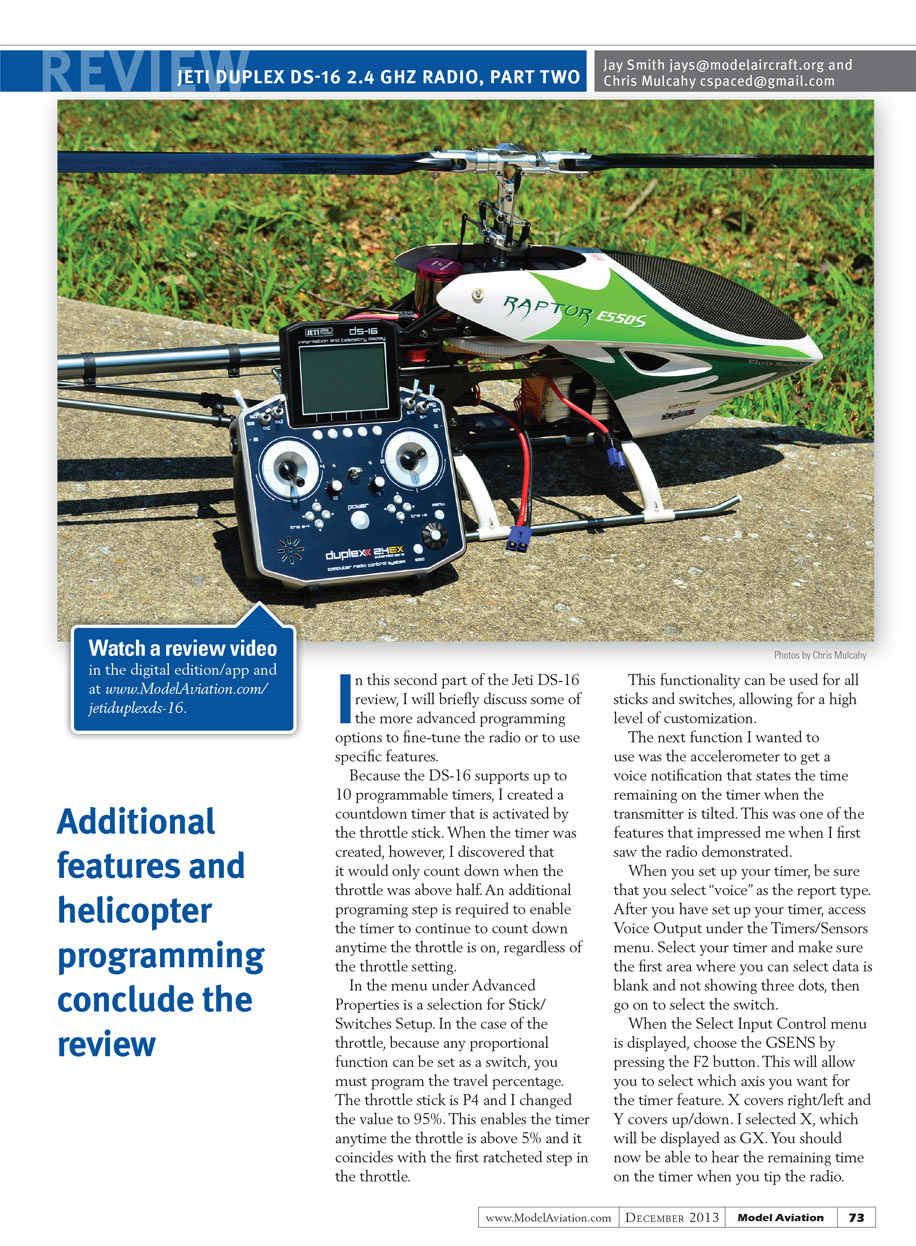
In this second part of the Jeti DS-16 review, I will briefly discuss some of the more advanced programming options to fine-tune the radio or to use specific features.
Because the DS-16 supports up to 10 programmable timers, I created a countdown timer that is activated by the throttle stick. When the timer was created, however, I discovered that it would only count down when the throttle was above half. An additional programming step is required to enable the timer to continue to count down anytime the throttle is on, regardless of the throttle setting.
In the menu under Advanced Properties is a selection for Stick/Switches Setup. In the case of the throttle, because any proportional function can be set as a switch, you must program the travel percentage. The throttle stick is P4 and I changed the value to 95%. This enables the timer anytime the throttle is above 5% and it coincides with the first ratcheted step in the throttle.
This functionality can be used for all sticks and switches, allowing for a high level of customization.
The next function I wanted to use was the accelerometer to get a voice notification that states the time remaining on the timer when the transmitter is tilted. This was one of the features that impressed me when I first saw the radio demonstrated.
When you set up your timer, be sure that you select “voice” as the report type. After you have set up your timer, access Voice Output under the Timers/Sensors menu. Select your timer and make sure the first area where you can select data is blank and not showing three dots, then go on to select the switch.
When the Select Input Control menu is displayed, choose the GSENS by pressing the F2 button. This will allow you to select which axis you want for the timer feature. X covers right/left and Y covers up/down. I selected X, which will be displayed as GX. You should now be able to hear the remaining time on the timer when you tip the radio.
Sequencer
The DS-16 supports six user-definable sequencers—Q1–Q6—and within each sequencer you can enable up to 16 control points for each path. Switching between different sequencers can also be achieved by pressing the F1 and F2 buttons.
The sequencer allows pilots to simplify complex models, providing more time to focus on flying and less on which switches are needed to activate functions. Gordon Tarling uses the sequencer to activate the retractable wingtip landing lights on his Turboporter glider tug. The sequencer extends the lights and then turns them on with the flick of the switch. Flipping the switch in the opposite direction turns them off first, and then retracts them.
Logical Switches
Suppose you are flying a scale warbird with drop tanks, but you want to be sure you never accidentally drop them while flying above half throttle. You could set up a logical switch to tell the radio to drop the tanks only upon activation of a certain switch, and if the throttle is below 50%.
You can have single or multiple transmitter functions that are controlled based on the condition of other control conditions. Each logical switch is defined by a logical expression. The expression contains a logical function and the relationship of the other conditions which must exist for the logical function to be activated.
The result is that your logical switch can either work as a two-position switch (On/Off) or as a proportional three-position switch (On/Center/Off).
Voice Alerts
The radio can provide voice announcements for alarms or notifications. The voice you hear is up to you because the transmitter supports any voice or sound recorded as a WAV file. These files are easily transferred to the radio from a PC via the included USB cable.
The radio comes preinstalled with more than 60 voice announcements, which can be activated for use for system sounds such as receiver bound, low voltage, or start-up. These can be chosen by selecting System in the menu and then System Sound.
All other voice notifications are programmed under Advanced Properties and Sounds in the Event menu, where you can set up notifications such as rates, flaps, etc.
If your needs go beyond the preinstalled announcements, free programs that allow you to type a word or words, and have them recorded as synthesized speech are available on the Internet. You can import the sound files into the DS-16.
Conclusion
The Jeti Duplex DS-16 2.4 GHz radio incorporates many impressive features—from its solid aluminum construction to its robust programming options and customization. It also provides a communication level not often found between the radio and the pilot via its programmable voice announcements for alarms and notifications. This allows you to keep your eyes where they belong: on your aircraft!
With a price tag of $1,495, the DS-16 is a premium transmitter for those looking to make an investment that will continue to be supported and enhanced through firmware updates. It's also accompanied by a complete line of telemetry sensors and Mezon ESCs to provide important aircraft data.
Jeti USA provides a two-year warranty on the radio, receivers, ESC, and sensors. The receivers also carry a 50% replacement warranty that covers nearly everything, including crash damage.
The Jeti DS-16 is one of the most innovative radios that I have had the opportunity to try. The user interface is intuitive and easy to navigate, allowing pilots to quickly become comfortable using the radio.
After using the radio for the past two months, I'm still as impressed with it—if not more so—as I was the first time it was demonstrated to me at a trade show. Anyone looking to invest into a high-end computer transmitter to grow with should have the DS-16 on his or her short list.
—Jay Smith [email protected]
Helicopter Programming
Jay Smith, with assistance from Jeti-sponsored pilot Joe Smith (in the November issue of MA), introduced us to the new Jeti Duplex DS-16 transmitter. We learned that it was a unique, feature-packed transmitter, and I want to discuss in more depth the helicopter programming options, as well as the relevant telemetry for helis.
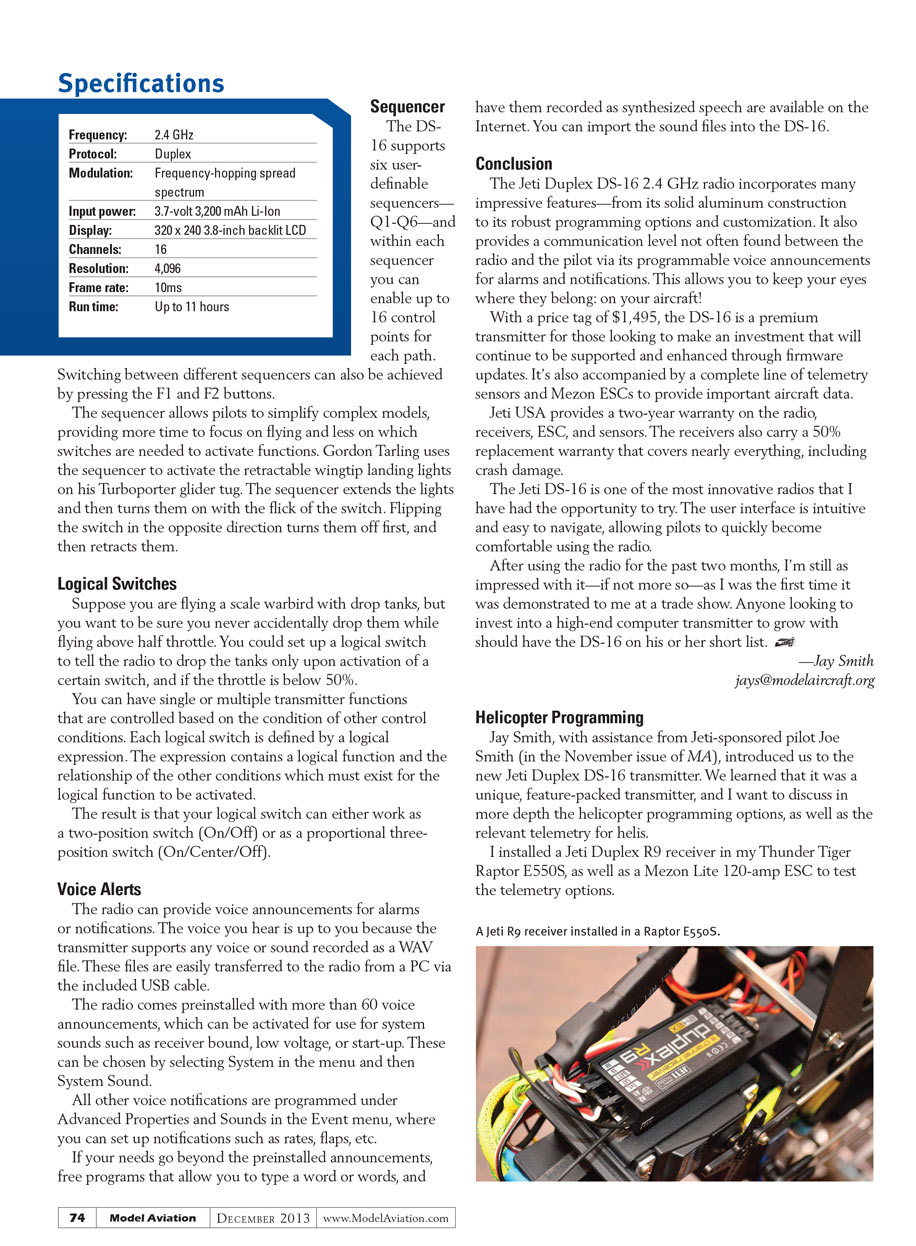
I installed a Jeti Duplex R9 receiver in my Thunder Tiger Raptor E550S, as well as a Mezon Lite 120-amp ESC to test the telemetry options. (Disclaimer: Jeti works to improve its products and release regular updates. For this article, the software version I am using is 2.01, so if there has been a new update by the time you read this, some features may have been added/changed.)
Basic Properties
The heli program’s basic properties screen is where a pilot can set the name of the model, select the swash type, and specify if he or she is using a governor. The swash type on the DS-16 is one of the most comprehensive swash selection tools that I have seen on a transmitter.
There are three basic swash types: mechanical (or single servo), four servos (90°), and three servos (default 120°). That might not seem like many options, but this is where it gets interesting.
If there is 135° swash, the pilot must first select the three-servo swash type, which by default is set to 120°. There are two interesting menu options underneath the swash type: “Angle” and “Rotation.” By selecting “Angle,” you can change the angle of the rear two servos in increments of 1°.
Is your single servo in the rear instead? If so, set the single-servo position to “Rear.”
As if that wasn’t enough, the transmitter can rotate the swash in 1° increments, making it easier to set the phasing on multiblade rotor heads.
Function Curves
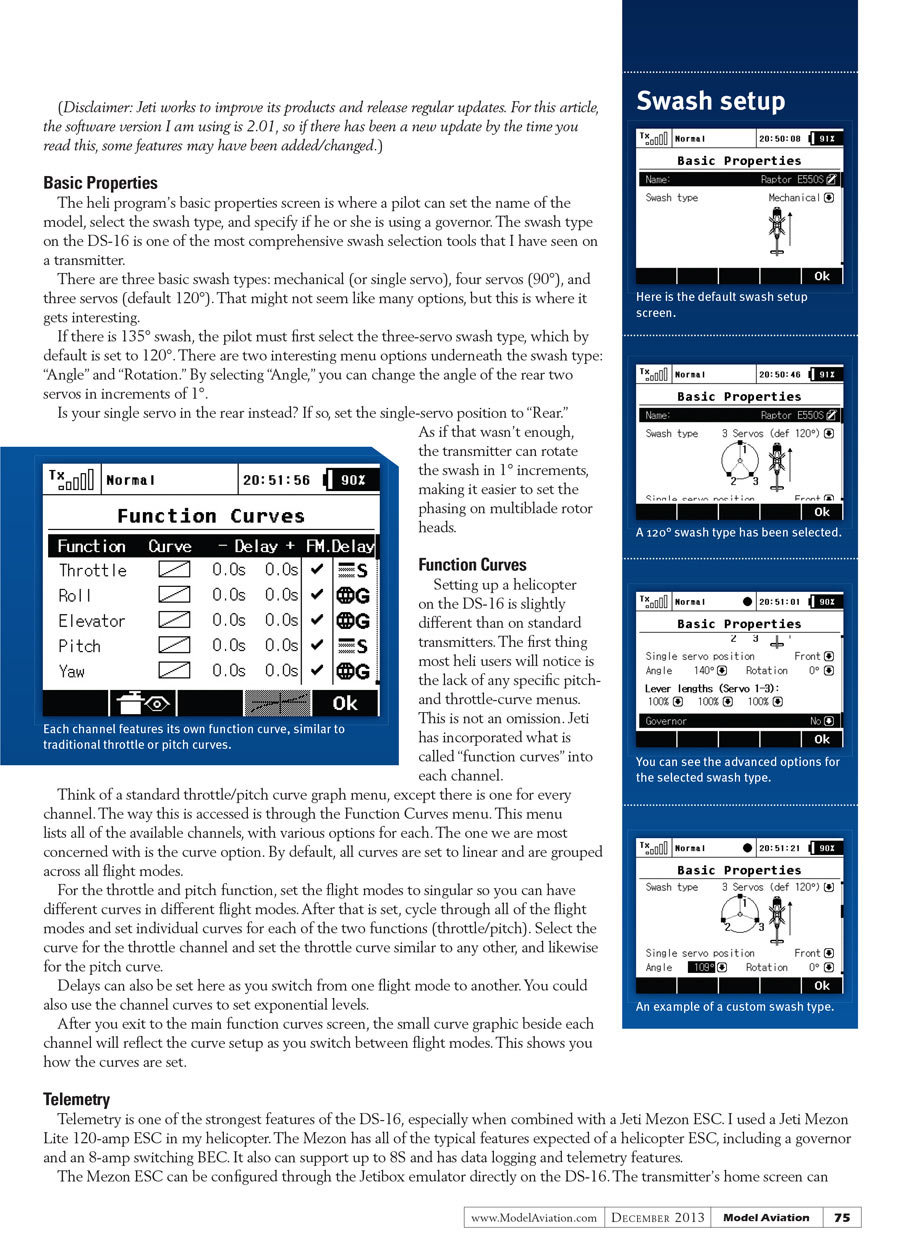
Setting up a helicopter on the DS-16 is slightly different than on standard transmitters. The first thing most heli users will notice is the lack of any specific pitch- and throttle-curve menus. This is not an omission. Jeti has incorporated what is called “function curves” into each channel.
Think of a standard throttle/pitch curve graph menu, except there is one for every channel. The way this is accessed is through the Function Curves menu. This menu lists all of the available channels, with various options for each. The one we are most concerned with is the curve option. By default, all curves are set to linear and are grouped across all flight modes.
For the throttle and pitch function, set the flight modes to singular so you can have different curves in different flight modes. After that is set, cycle through all of the flight modes and set individual curves for each of the two functions (throttle/pitch). Select the curve for the throttle channel and set the throttle curve similar to any other, and likewise for the pitch curve.
Delays can also be set here as you switch from one flight mode to another. You could also use the channel curves to set exponential levels.
After you exit to the main function curves screen, the small curve graphic beside each channel will reflect the curve setup as you switch between flight modes. This shows you how the curves are set.
Telemetry
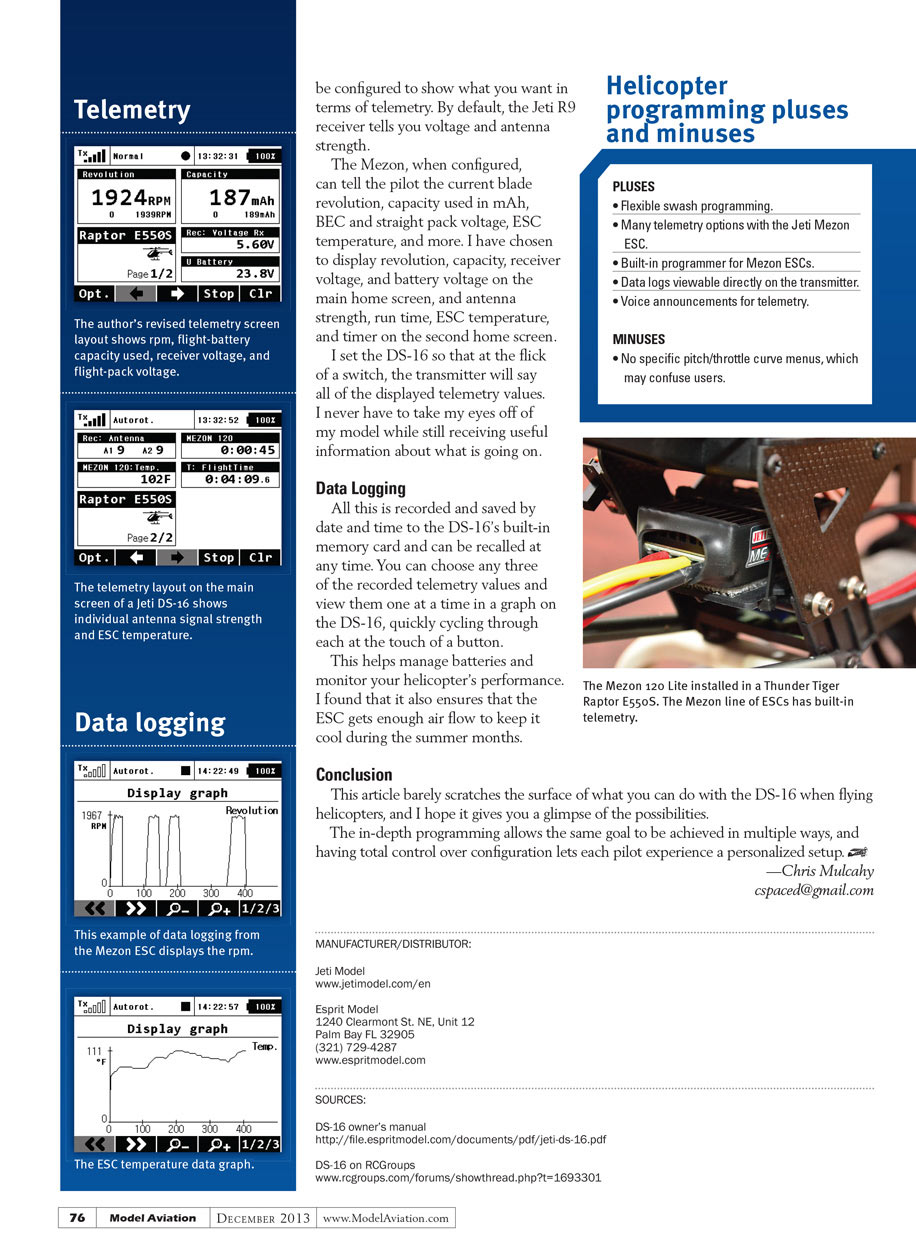
Telemetry is one of the strongest features of the DS-16, especially when combined with a Jeti Mezon ESC. I used a Jeti Mezon Lite 120-amp ESC in my helicopter. The Mezon has all of the typical features expected of a helicopter ESC, including a governor and an 8-amp switching BEC. It also can support up to 8S and has data logging and telemetry features.
The Mezon ESC can be configured through the Jetibox emulator directly on the DS-16. The transmitter’s home screen can be configured to show what you want in terms of telemetry. By default, the Jeti R9 receiver tells you voltage and antenna strength.
The Mezon, when configured, can tell the pilot the current blade revolution, capacity used in mAh, BEC and straight pack voltage, ESC temperature, and more. I have chosen to display revolution, capacity, receiver voltage, and battery voltage on the main home screen, and antenna strength, run time, ESC temperature, and timer on the second home screen.
I set the DS-16 so that at the flick of a switch, the transmitter will say all of the displayed telemetry values. I never have to take my eyes off of my model while still receiving useful information about what is going on.
Data Logging
All this is recorded and saved by date and time to the DS-16’s built-in memory card and can be recalled at any time. You can choose any three of the recorded telemetry values and view them one at a time in a graph on the DS-16, quickly cycling through each at the touch of a button.
This helps manage batteries and monitor your helicopter’s performance. I found that it also ensures that the ESC gets enough air flow to keep it cool during the summer months.
Conclusion
This article barely scratches the surface of what you can do with the DS-16 when flying helicopters, and I hope it gives you a glimpse of the possibilities.
The in-depth programming allows the same goal to be achieved in multiple ways, and having total control over configuration lets each pilot experience a personalized setup. —Chris Mulcahy [email protected]
Helicopter programming pluses and minuses
PLUSES
- Flexible swash programming.
- Many telemetry options with the Jeti Mezon ESC.
- Built-in programmer for Mezon ESCs.
- Data logs viewable directly on the transmitter.
- Voice announcements for telemetry.
MINUSES
- No specific pitch/throttle curve menus, which may confuse users.
MANUFACTURER/DISTRIBUTOR:
Jeti Model www.jetimodel.com/en
Esprit Model 1240 Clearmont St. NE, Unit 12 Palm Bay FL 32905 (321) 729-4287 www.espritmodel.com
SOURCES:
DS-16 owner’s manual http://file.espritmodel.com/documents/pdf/jeti-ds-16.pdf
DS-16 on RCGroups www.rcgroups.com/forums/showthread.php?t=1693301
Transcribed from original scans by AI. Minor OCR errors may remain.

